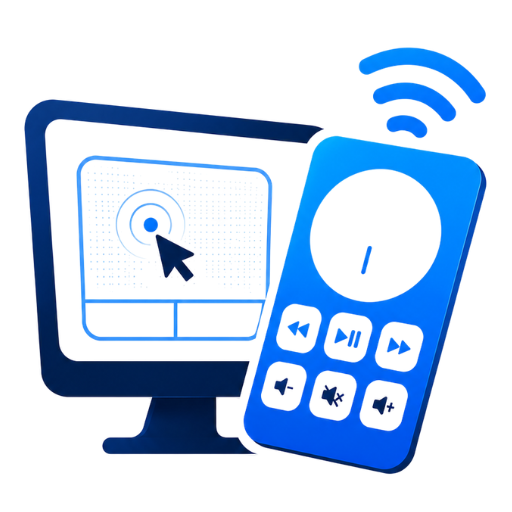
Laptop-style touchpad
Move, click, scroll, and drag with smooth gestures that feel like a real trackpad.
Your phone and PC, connected over Wi‑Fi. No accounts, no cloud — everything stays on your network.
Move the cursor from your phone
Everything you need to control your computer from the couch, the podium, or across the room.
Move, click, scroll, and drag with smooth gestures that feel like a real trackpad.
Play, pause, skip, and adjust volume without reaching for the keyboard.
Advance slides, go back, and use presentation shortcuts from your phone.
Pairing stays on your local network. No accounts, no servers, no data collection.
From the couch to the conference room — control your PC without being tied to the keyboard.
Pause Netflix, skip tracks, or browse from across the room without getting up.
Advance slides and navigate your deck while you focus on the audience, not the laptop.
Volume, play/pause, and system shortcuts — your phone becomes a smart remote.
Install both apps, join the same Wi‑Fi, and pair with a QR code or 6-digit code.
Download the Windows receiver and run the installer. AirPoint runs quietly in your system tray.
Get the Android app from Google Play and connect both devices to the same Wi‑Fi network.
Open the desktop app, scan the QR code or enter the pairing code — then start controlling.
Free to use. Install the desktop receiver and mobile app to start controlling your PC.
Windows 10 or later · Same Wi‑Fi as your phone
Android 8+ · Camera for QR pairing